Filter and Sort the Report Query
Report Writers can use the Filters and Sort tabs in the Edit Report dialog to modify the query results obtained from the DataBlock when the report is executed.
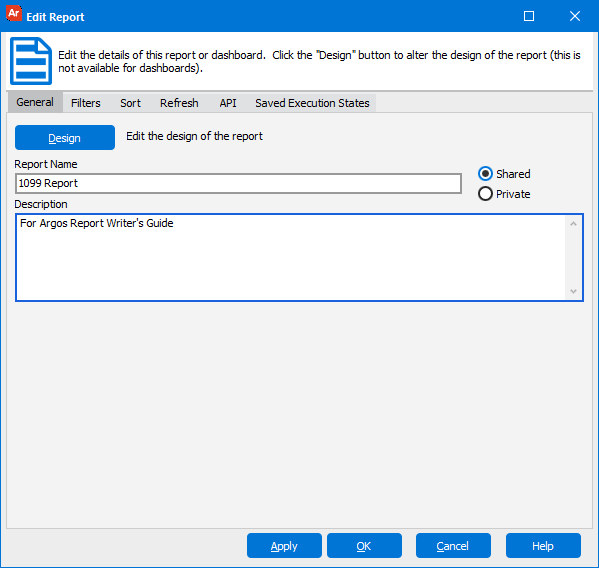
When creating filters and sorts, Argos adds SQL WHERE and ORDER BY statements to the SQL existing in the DataBlock.
Since Free Type queries are not created by Argos, Argos needs to be guided as to where the WHERE and ORDER BY statements should be added to the SQL query. This is handled by special characters added to the query. The special characters are added by clicking the “Insert Special” icon within the Free Type Editor. The use of special characters is discussed in the next section.
If the Filter or Sort tab is selected during the design of the report, and a Free Type query exists in the DataBlock, then the message in the figure below will direct you to add the special characters to the Free Type query.
/filter pop up dialog.png)