Installing the Evisions Delivery Application
Prerequisites
- The on-prem Windows server that will run the Evisions Delivery Application should have access to local printers, local email servers, and network drives.
- The Evisions Delivery Application requires a Java 17 JDK or higher installation.
- The server that runs the Evisions Delivery Application and your MAPS server should be on separate host machines.
- Preferably, MAPS should be run in a cloud-based environment.
- It is recommended to install the Evisions Delivery Application on the same server where the Banner Print App is installed.
Installing the Evisions Delivery App
When you are ready to begin installation, select the Install button.
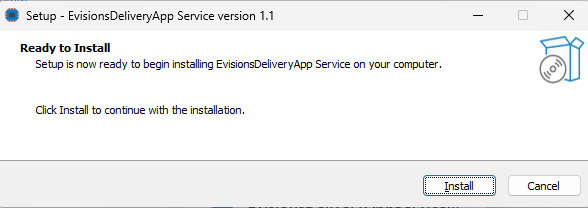
When the EDA runs for the first time, the eda.properties file will be created. This file needs to be configured with the following: maps.username, maps.password, maps.host, and maps.https.port.
There are other optional configurable properties (example: logging, email logging, etc) that may be changed if desired.
The EDA log files are located in the same directory as the eda.properties file under the logs directory.
Update MAPS
Prepare the Test Environment and Create Backup
In order to prevent issues you should create a new server in a new test environment that will be used specifically for testing purposes. This will avoid any issues that may occur when attempting to roll back to an earlier version of the software.