Language Selection in the Web Viewer
|
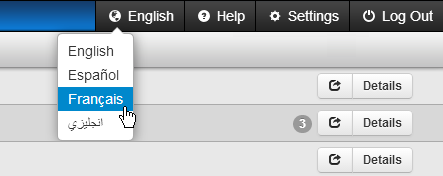
When using the Argos Web Viewer, you can now change the language for user interface text. The language selection button allows you to choose between English, Spanish, French, and Arabic.
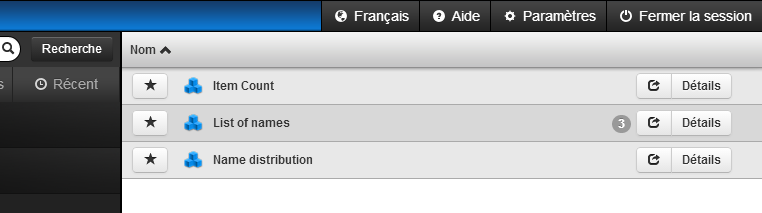
Note that folders, DataBlocks, and reports still appear in the language their creator used when naming them; however, all user interface text for the Web Viewer uses the selected language:
In-product Help is available in English and Spanish. To open the Spanish version of the Help, change the language setting to Spanish and then launch the Help.
|
The 4.3 Web Viewer automatically detects your local system's settings when determining the format in which to display dates. |