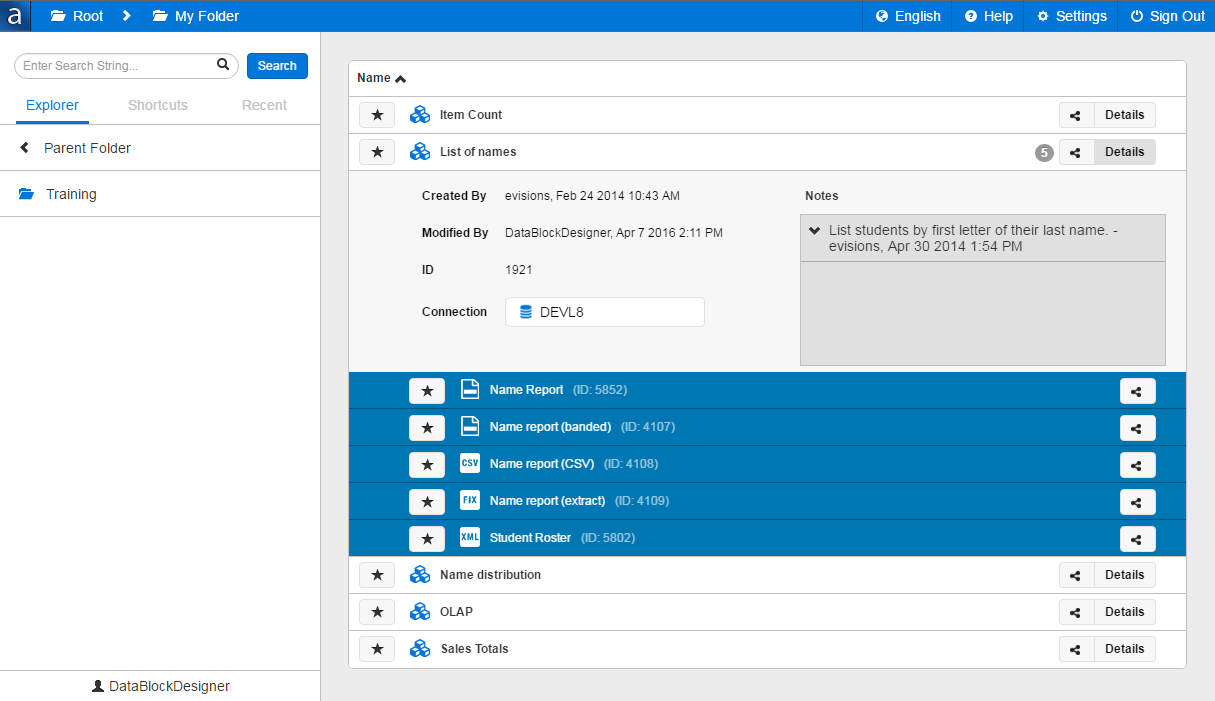
Modernized User Interface
The Argos client now has a brand-new look to it, with updated icons and styling throughout. The majority of the user interface changes pertain to the main screen, explorer tree, search function, and report editors (csv, banded, and extract). We have also made some improvements with the goal of having a more responsive UI; certain elements such as the lists of actions available to each user type will now move and resize according to the size of the window.
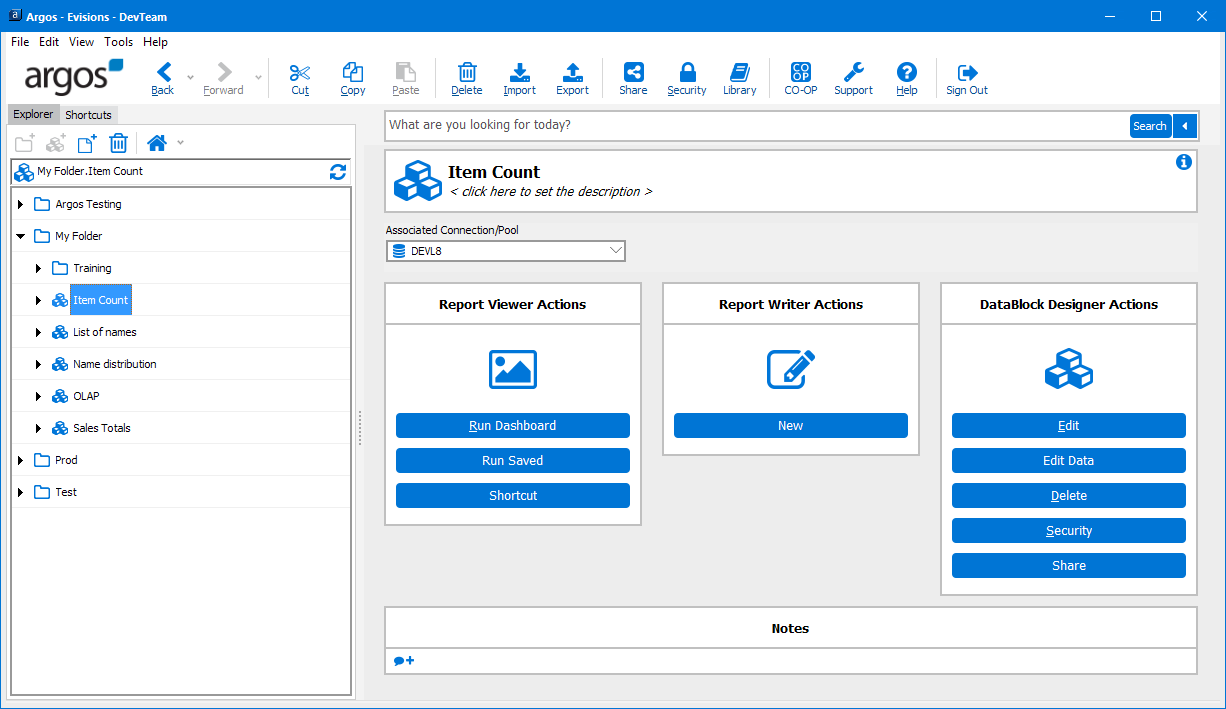
The Search feature and advanced search functionality is now located at the top of the screen, instead of in a tab:
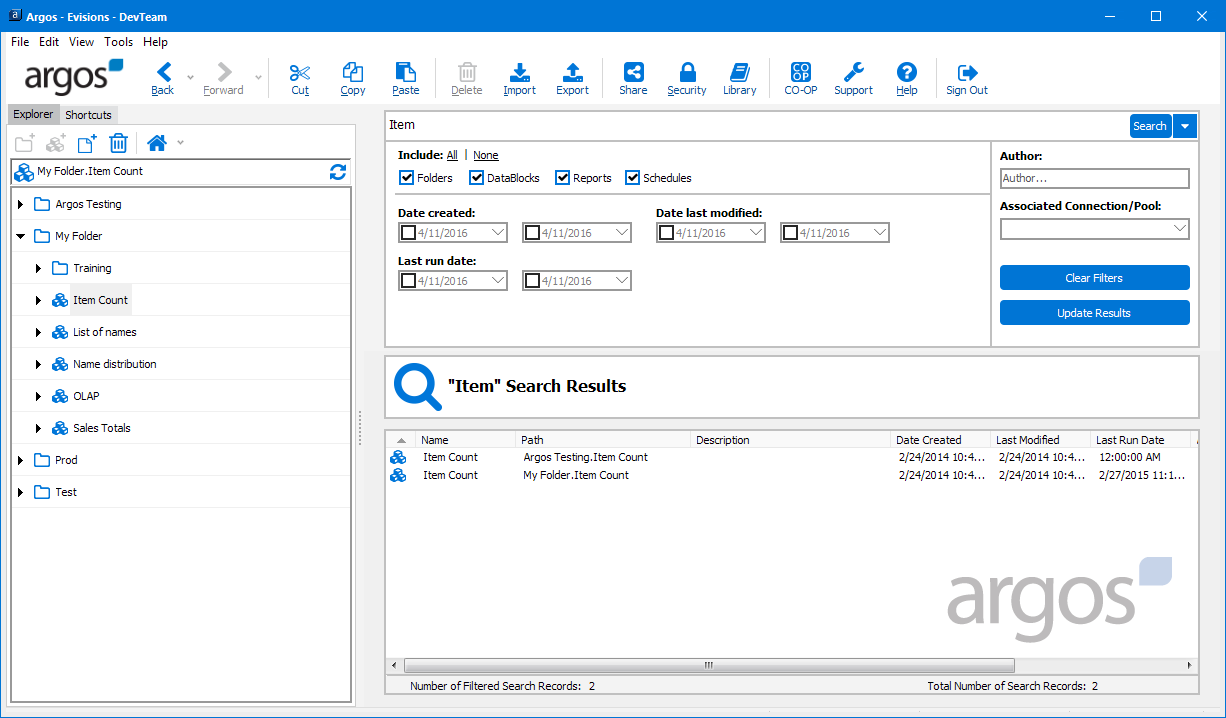
Clicking on an item in the search results will take you to that item in the tree.
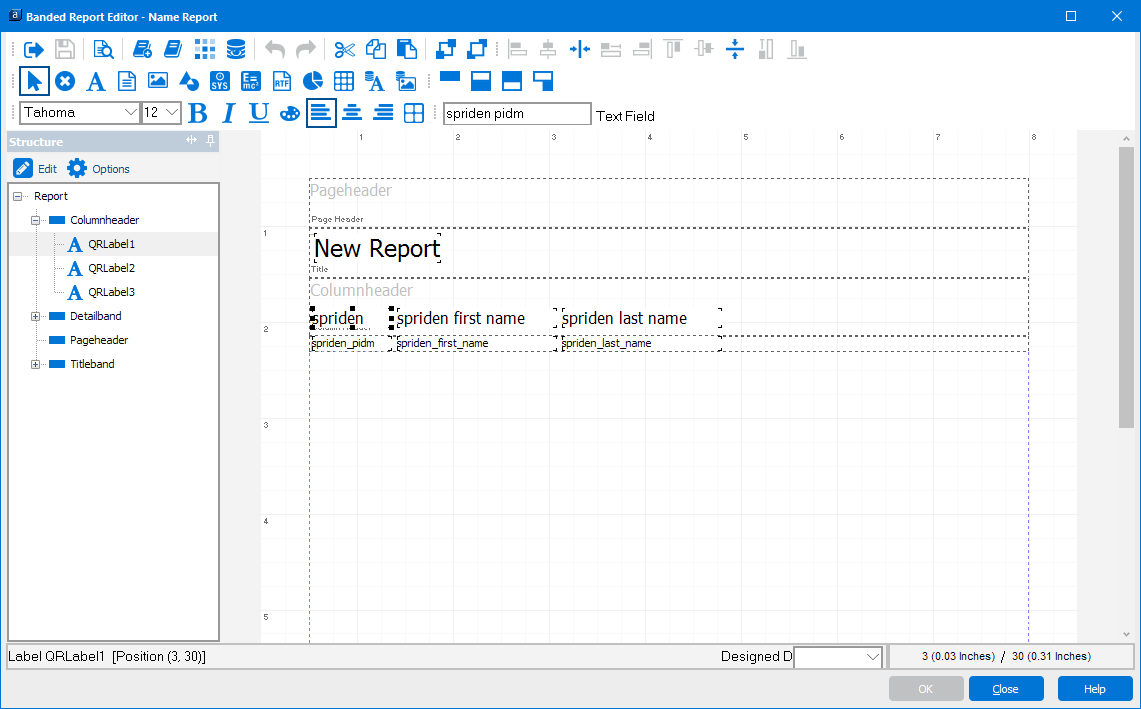
The banded report editor has a complete set of new icons, which communicate their purpose more clearly than the previous icons did:
The Web Viewer has also been updated with new icons and styling to match the changes to the Argos client: