Custom User Fields
When configuring MAPS and LDAP users, you now have the ability to specify up to three custom fields to store any additional user data you require.
For MAPS users, the custom fields can be found on the Advanced tab of the User Properties dialog.
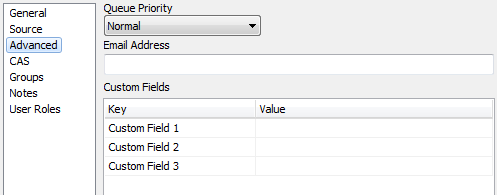
These fields contain static text entered by the MAPS Administrator.
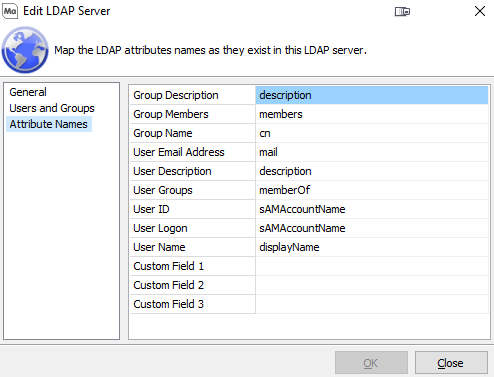
For LDAP users, the custom fields are defined in the LDAP server configuration using existing attributes from the LDAP server.
For both types of users, the custom fields can be accessed as variables in places such as the data connection username, connection and rule scripts, and as system variables within Argos. To reference a custom field in one of these locations, you would enter $User.CustomField1, $User.CustomField2, or $User.CustomField3. One use case for this would be to configure an Ellucian™ Banner® proxy account for each user.